








































Discover the legendary “original” Disneyland with Klook! Grab your Disneyland California tickets now to conquer Star Wars & Avengers Campus. Book early, secure your spot, and enjoy the magic to the fullest!
- The ULTIMATE Universal Studios Hollywood travel guide: Top attraction, Ticket Prices, Tips & MORE
- The ultimate guide to Sun World Vung Tau Aqua Adventure for first-timers
- The ultimate guide to Aquatopia Water Park: An Experiencing the Water Park in Phu Quoc
- How to buy & use Hong Kong Disneyland Tickets for First-Time Visitors
- Lotte World Seoul Guide: Explore the Seoul’s Largest Entertainment Complex
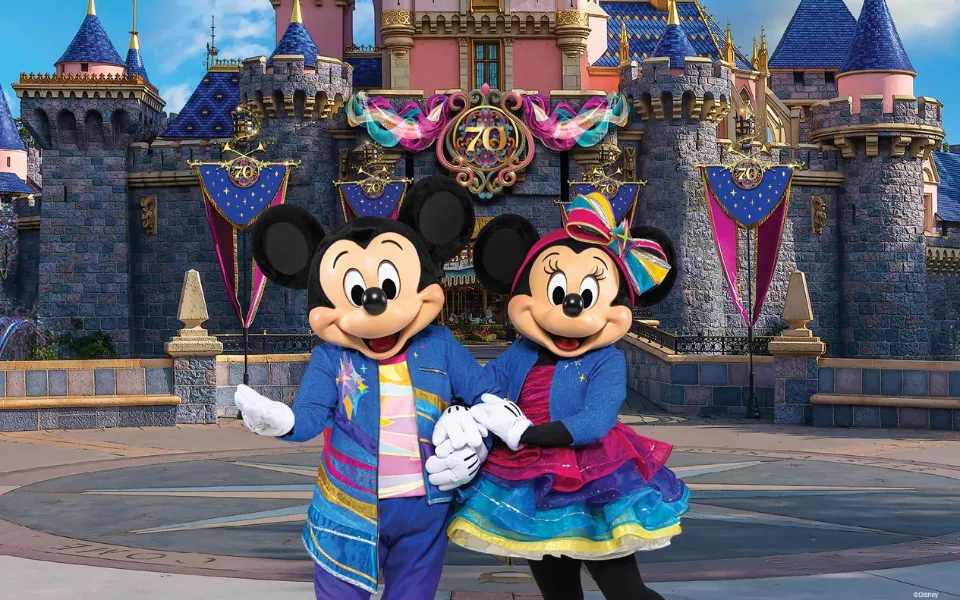
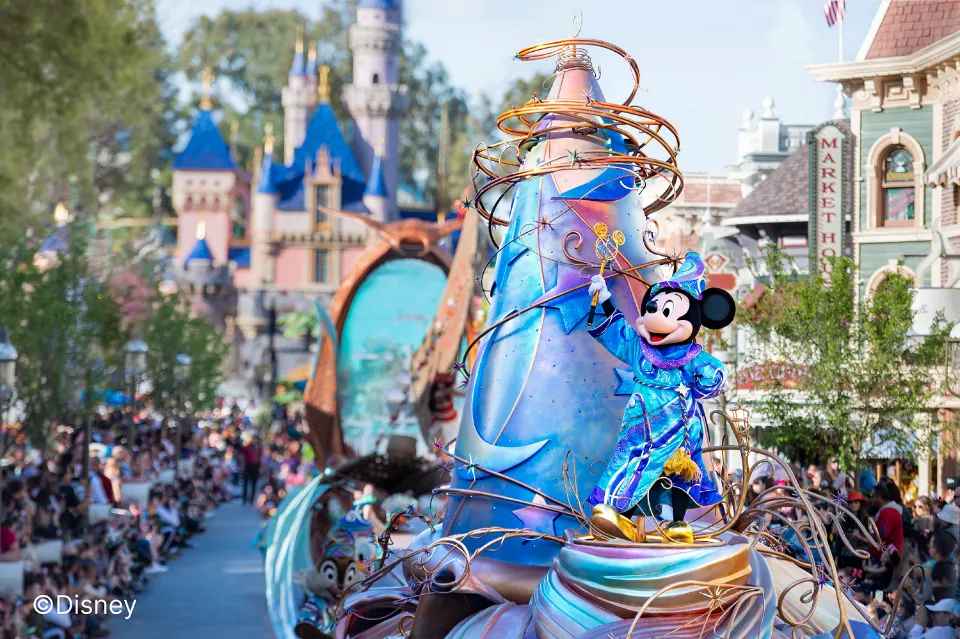
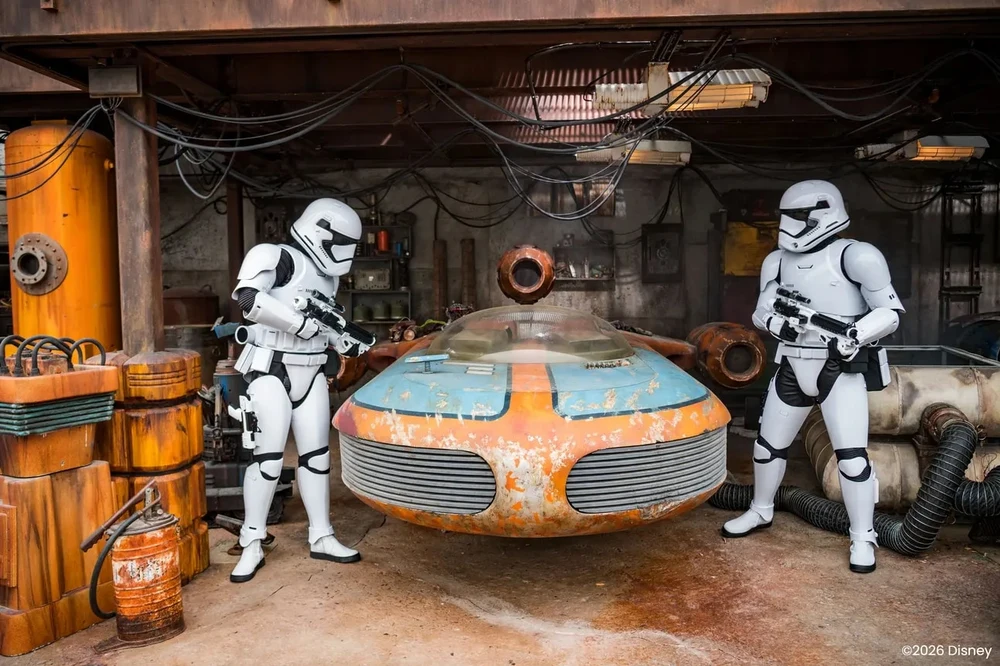
If Asian Disneyland parks are a warm and lovely space, then Disneyland California is the legendary “original” – where Walt Disney’s dream began. Don’t just watch from the screen, immerse yourself in the Star Wars: Galaxy’s Edge battle or join the thrilling Avengers Campus.
To avoid getting lost in this “happiest kingdom in the world,” the first universal key is: A perfect booking strategy to optimize every precious moment! Let’s explore with Klook!
What’s Special About Disneyland California?
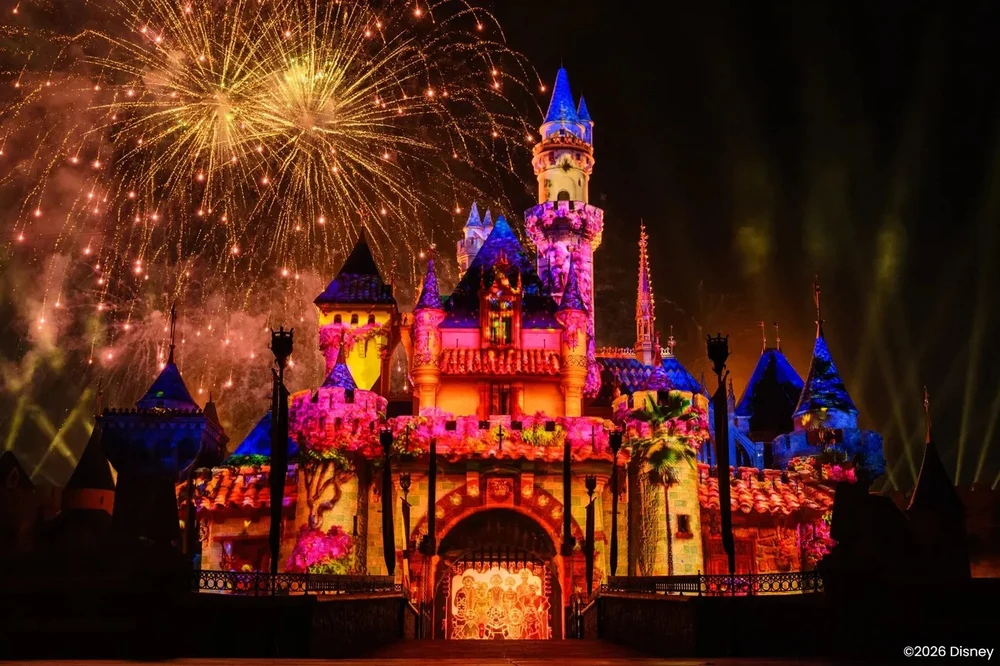
Disneyland Resort in California Theme Park Tickets
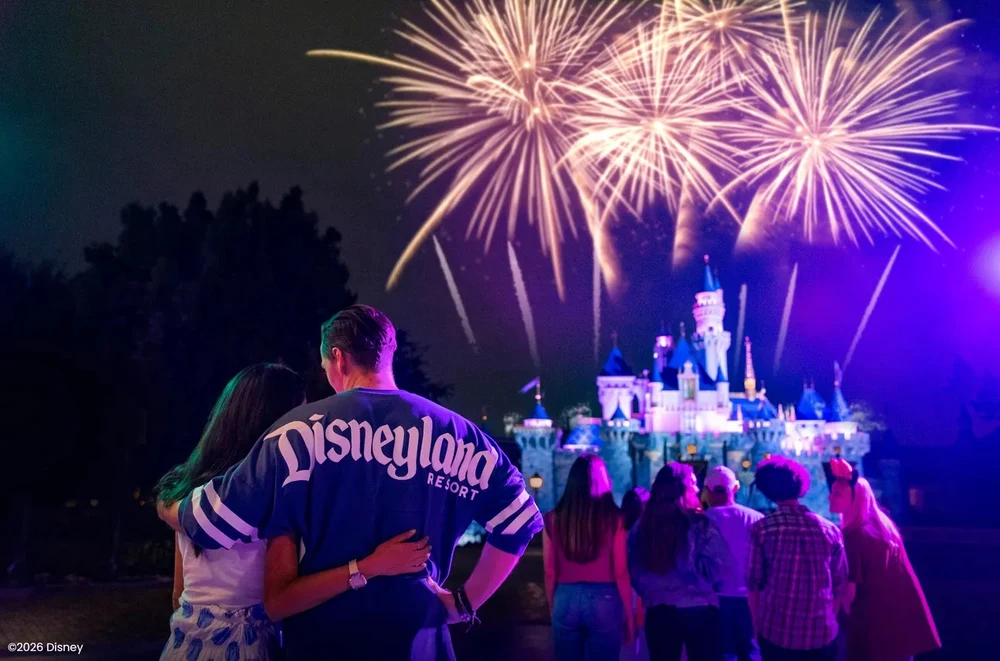
Not only is it the first Disney park in the world, Disneyland Resort California is also considered the “home” of the Disney brand. This place was conceived and opened in 1955 by Walt Disney himself. After several expansions, the resort now comprises two large parks with dozens of themed areas, a host of popular rides, and signature Disney shows.
How Many Parks Does Disneyland California Have?
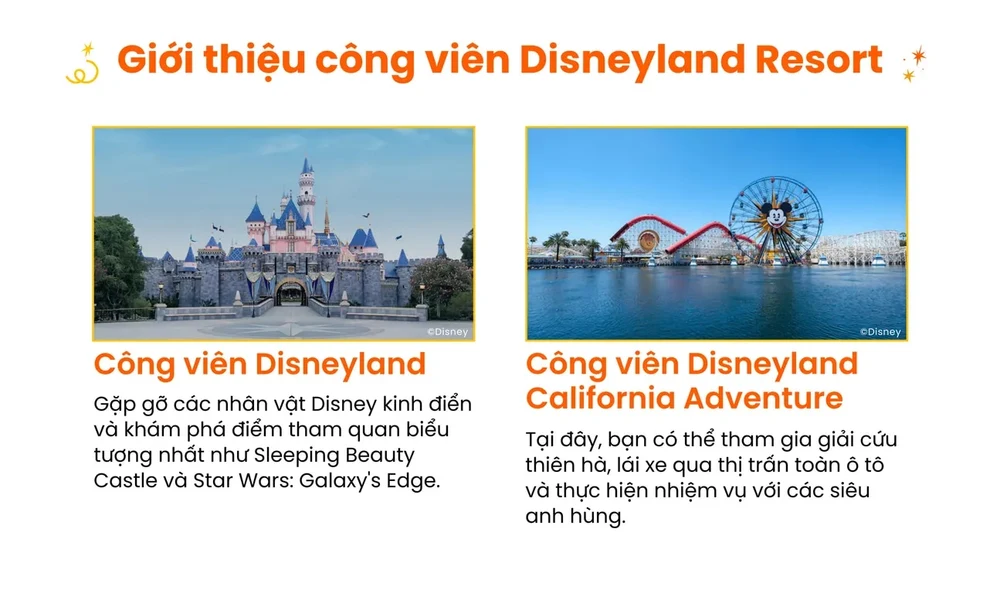
Disneyland Resort in Anaheim currently has two main parks located next to each other: Disneyland Park and Disney California Adventure Park. These two parks are only a few minutes’ walk from each other through the Downtown Disney District, so visitors can easily travel between them using a Park Hopper ticket.
How Are Disneyland Park and Disney California Adventure Park Different?
The Best of Los Angeles Half-Day Sightseeing Tour
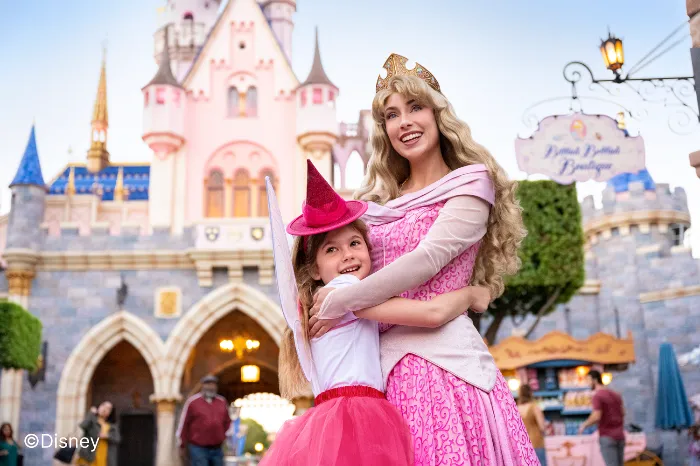
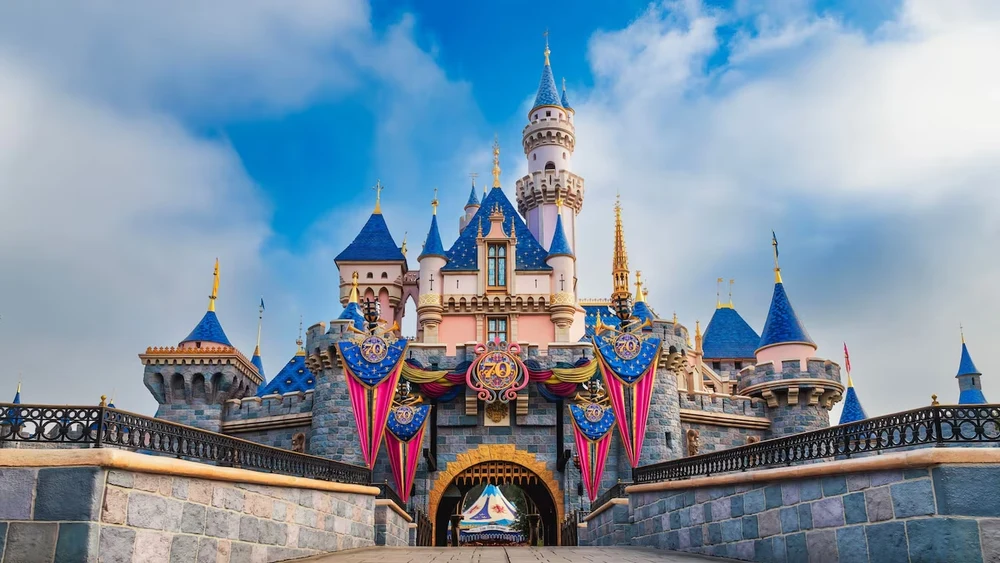
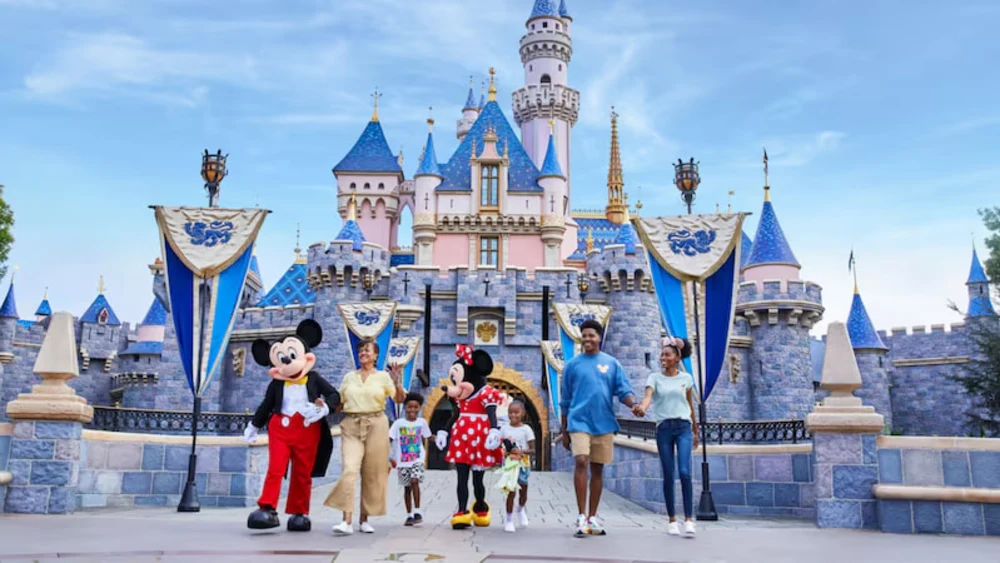
Disneyland Park is the most classic Disney park, where you’ll find familiar landmarks like Sleeping Beauty Castle, Fantasyland, Adventureland, and Tomorrowland. It also houses many iconic Disney rides such as Star Wars, Pirates of the Caribbean, and Indiana Jones Adventure.
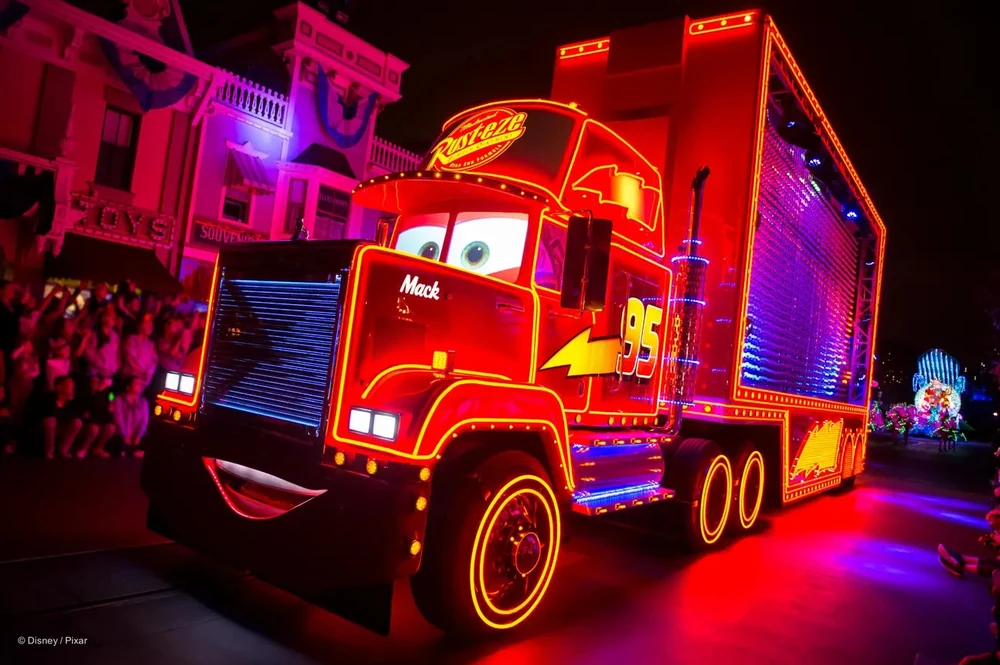
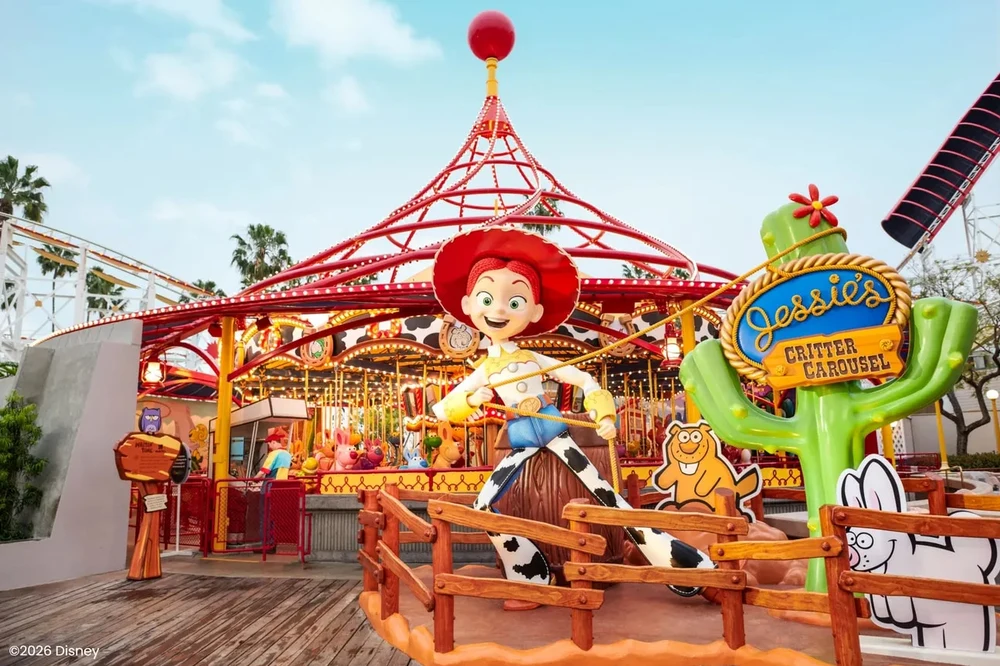
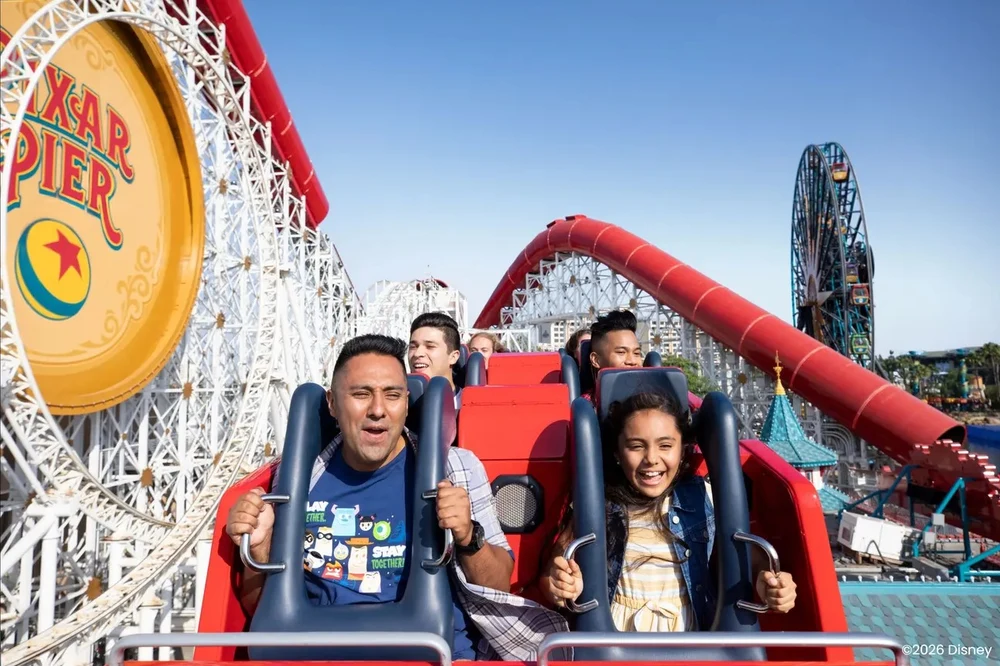
Meanwhile, Disney California Adventure Park has a more modern style, inspired by the culture and landscape of California. This park is notable for its themed areas such as Avengers Campus, Pixar Pier, and Radiator Springs, along with high-speed rides like Incredicoaster and Radiator Springs Racers.
Which Park Should You Choose If You Only Have One Day?
LEGOLAND® California Resort Ticket
If this is your first time at Disneyland California and you only have one day, most visitors usually prefer Disneyland Park. This park embodies the classic Disney spirit, with many familiar icons and themed areas associated with the childhood of many people.
Conversely, if you love Marvel, Pixar, or thrill rides, Disney California Adventure might be a more interesting choice. This park usually has a more dynamic atmosphere and more modern rides. If you want to experience both parks in the same day, you can consider buying a Park Hopper ticket for flexible travel between the two.
Disneyland California Tickets Classification
Disneyland Resort California tickets are categorized by three main factors: visitor age, number of days the ticket is valid, and the park area that can be accessed on that day. Depending on your schedule and time in Anaheim, you can choose a one-day ticket for a quick experience or a multi-day ticket to explore both parks. Additionally, Disneyland California offers two popular options: 1 Park Per Day and Park Hopper, allowing for more flexibility in your visit.
What is the Difference Between Adult and Child Tickets?

Disneyland California divides tickets into two main age groups: children aged 3 to 9 and adults aged 10 and above. Children under 3 years old are free to enter the park when accompanied by an adult. Child tickets are usually cheaper, but offer the same benefits as adult tickets, including access to rides, shows, and park activities.
What’s the Difference Between a 1 Park Per Day Ticket and a Park Hopper Ticket?
The Official Hollywood Sign Express Walking Tour in Los Angeles
When buying Disneyland California tickets, you also need to choose how you want to visit each park on the same day. A 1 Park Per Day ticket allows you to enter only one park on the day you book, meaning you’ll choose either Disneyland Park or Disney California Adventure beforehand. This is a popular choice if you want to spend your time thoroughly exploring each park.
Meanwhile, a Park Hopper ticket offers more flexibility as it allows you to experience both parks in the same day. After entering your chosen first park, you can move to the other park from 11:00 AM onwards, which is ideal if you want to try many of the popular rides in both parks.
What’s the Difference Between 1-Day, 2-Day, and 3-Day Tickets?

California Academy of Sciences Admission Ticket
Besides choosing which park to visit, you can also choose tickets based on the number of days you want to visit. A one-day pass is suitable for visitors who only have a short time in Anaheim and is usually offered on a tiered pricing system, meaning the price can vary depending on whether it’s a high or low season.
If you want to explore the park more comfortably, you can choose a 2-day or 3-day pass. These passes allow you to return to the park on different days, giving you enough time to experience popular rides, see parades, and enjoy the Disney atmosphere without rushing into one day.
Does Disneyland California Require Reservations?
Yes. In addition to entrance tickets, Disneyland California requires visitors to make park reservations in advance of their visit. This helps the park control the number of visitors each day and ensures a less crowded experience. Therefore, having a ticket alone is not enough; you need to complete the reservation process to enter the park on your chosen day.
What is the Difference Between Tickets and Park Reservations?
Entrance tickets grant access to the park for the number of days purchased. Meanwhile, a park reservation is a confirmation that you will visit the park on a specific day and at a specific park. Simply put, a ticket is like an “entrance ticket,” while a reservation is like an “appointment” to let the park know which day you’ll be coming.
Why Do You Still Need a Reservation Even If You Have a Ticket?
Disneyland California uses a reservation system to manage visitor numbers on a daily basis. This helps the park avoid overcrowding and ensures the smooth operation of all attractions. Without a valid reservation, you may be denied entry even if you’ve purchased a ticket.
Do I Need to Make a Reservation for Each Day with a Multi-Day Ticket?
Yes. With a 2-day or 3-day ticket, you need to make a separate reservation for each day of your visit. For example, if you buy a 2-day ticket, you must select and reserve for both the first and second days, instead of making a single reservation for the entire trip.
Step-by-Step Guide to Buying Disneyland California Tickets on Klook
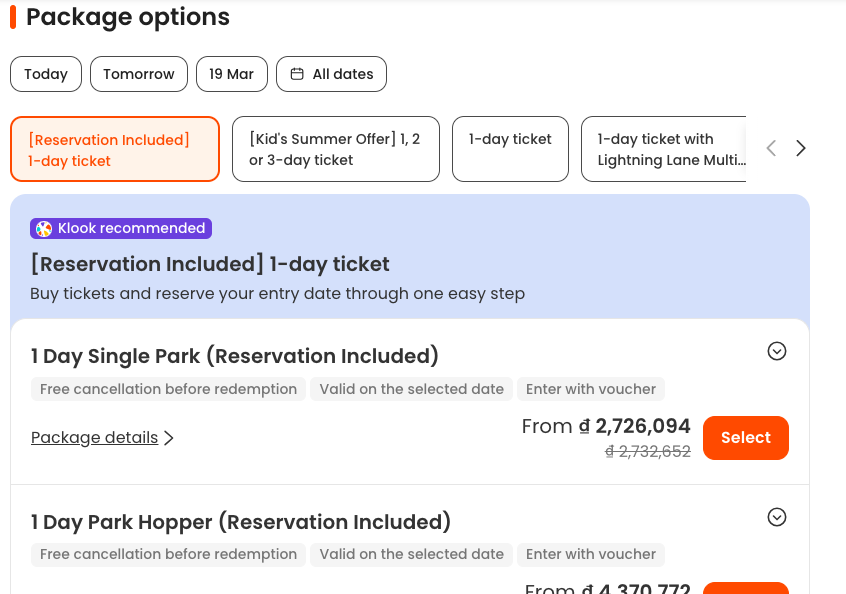
Booking Disneyland California tickets on Klook is quite simple; just follow these steps:
Step 1: Choose the Right Ticket
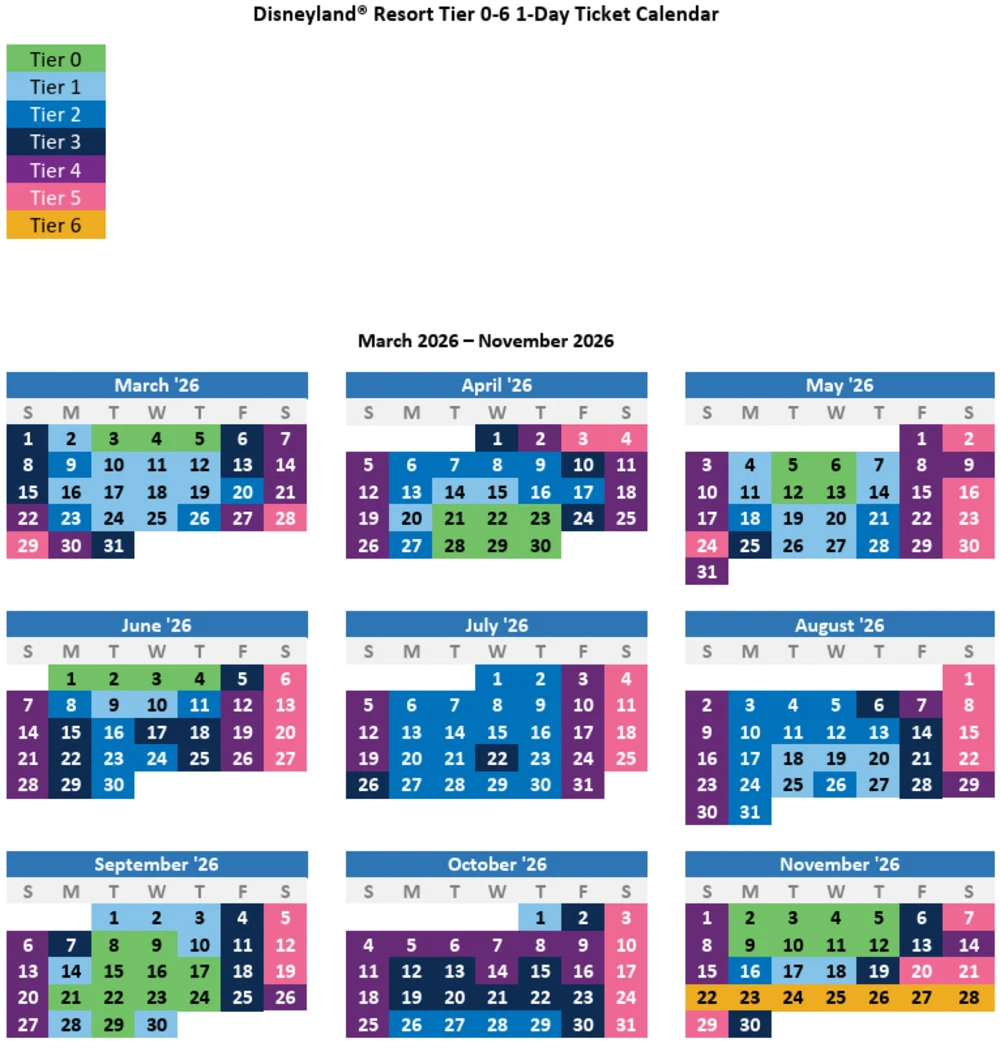
Visit the Disneyland California ticket page on Klook and choose the ticket that suits your schedule, such as a 1-day 1-park pass, a Park Hopper 1-day pass, or a 2-3 day pass if you want to explore more. For 1-day passes, the system will display price tiers by day so you can choose the right day to visit. Refer to the 2026 price tiers below! (Tier 0 is the cheapest, Tier 6 is the most expensive).
Step 2: Choose the Date and Number of Tickets
Next, choose the date and number of tickets according to age. Disneyland California tickets are divided into adult (10+) and child (3-9 years old) categories. Children under 3 years old are admitted free of charge.
Step 3: Choose additional amenities if needed
Some Klook ticket packages allow you to upgrade to the Lightning Lane Multi Pass right at the time of booking. This option helps you save time queuing at some popular attractions in the park.
Step 4: Payment and voucher receipt
After completing payment, Klook will send an electronic voucher with ticket information to your email or in your order details.
Step 5: Link ticket and park reservation
With Disneyland California, having a ticket alone isn’t enough. You need to link your ticket to your Disney account and make a park reservation before visiting.
Which Klook packages include a reservation, and which require careful checking?
Disneyland Resort in California Theme Park Tickets
When booking Disneyland California tickets on Klook, you may see two different types of displays: “Includes reservation” and “Reservation required”. For packages that include a reservation, the visit date will be confirmed as soon as you select the date on Klook, so there’s no need to make another reservation on the Disney system.
Conversely, if the product requires advance booking, after receiving the voucher you still need to link your ticket and make a park reservation on the Disneyland system before going to the park.
How to Book on the Disneyland App?
San Francisco Grand City Tour with Optional Add-Ons
After receiving your Klook voucher, you need to complete the park reservation on the Disneyland system by following these steps:
Step 1: Create a Disney account
Visit startyourdisneylandexperience.com, enter your email and follow the instructions to create an account. When filling in personal information, enter the correct country, region and postal code according to your address.
Step 2: Access the park reservation system
After logging in, access the My Theme Park Reservations section and select Book Theme Park Reservation.
Step 3: Link your ticket to your Disney account
Select Link a ticket or Magic Key pass, then enter the ticket code displayed on the Klook voucher to link your ticket to your account.
Step 4: Enter visitor information
Fill in your first and last name that matches your valid photo ID. If traveling in a group, you can repeat this step to link tickets for each member.
Step 5: Choose your desired date and park
Select your desired date and park (Disneyland Park or Disney California Adventure).
Step 6: Confirm your reservation
Review all information and confirm your reservation. When the screen displays a success message, your park reservation is complete.
Los Angeles Big Bus Hop-On Hop-Off Tours (Open-Top)
Important Note:
- Disneyland California requires a reservation before entry. Without a valid reservation, you may be denied entry even with a ticket.
- For multi-day tickets, you need to make a reservation for each day of your visit separately. For example, if you buy a 2-day ticket, you must make a reservation for both days.
- After receiving your Klook voucher, you should link your tickets and make a reservation as soon as possible to ensure availability for the dates and parks you want to visit.
How to Change a Booked Date or Park
Go City – Los Angeles All-Inclusive Pass
If your schedule changes, you can easily edit your previously booked park reservation on the Disneyland system. Changing dates or parks is quite simple and can be done online in just a few steps.
- Step 1: Access the My Theme Park Reservations page in your Disney account and select Modify Reservation for the booking you want to change.
- Step 2: Select all guests in the group whose reservation needs to be modified. If you are traveling with multiple people, make sure to select the correct tickets to change.
- Step 3: Choose the new date and the park you want to visit (Disneyland Park or Disney California Adventure), depending on the system’s availability.
- Step 4: Review all information and click Confirm to confirm the changes. When the confirmation screen appears, your new reservation has been successfully updated.
Note:
- You can only change to dates with available slots in the Disneyland reservation system.
- If using a multi-day ticket, each day of the visit has its own reservation and can be edited individually if needed.
How to Enter Disneyland California After Having Tickets and Reservations
After purchasing your ticket and completing your park reservation, entering Disneyland California is quite simple. You just need to open the e-ticket code on your phone or in the Disneyland app, then scan it directly at the park entrance. The whole process is quick and most visitors no longer need to exchange for paper tickets as before.
Using E-tickets or Exchanging for Paper Tickets?
Currently, Disneyland California accepts e-tickets, so you don’t need to exchange them for paper tickets. Just open the QR code or ticket code on your phone and scan it directly at the park entrance. Many visitors also choose to link their tickets to the Disneyland app for more convenient management of tickets, reservations, and day-trip schedules.
Do I Need to Show My Passport or ID When Entering the Park?
In most cases, you don’t need to show your passport at the entrance. However, if your ticket requires verification or there are area promotions, staff may ask for a valid photo ID. Therefore, bringing your passport or other identification is still a safe option when visiting the park.

Yosemite Guided Day Tour from San Francisco
How Do I Scan My Ticket If I’m in a Group?
When going in a group, each person will have a unique ticket code. You can save all tickets in the same Disney account or keep separate vouchers for each person. At the entrance, staff will scan each ticket code individually for each member, so just open the code on your phone and show it to the staff for verification.
How Does Park Hopper Work at Disneyland California?
At Disneyland Resort California, the Park Hopper ticket allows you to visit both Disneyland Park and Disney California Adventure on the same day. This is a popular choice for visitors who want to experience many attractions in both parks, especially since they are very close and only a few minutes’ walk apart.
Can I Visit Both Parks in One Day?
Yes. With a Park Hopper ticket, you can visit both parks in the same day. However, when making a park reservation, you still need to choose the first park you will visit on that day. After checking in at that park, you can then move to the other park according to the Park Hopper system’s regulations.

7D Experience DarkRide Ticket in San Francisco
What Time Can Park Hopper Transfer Parks From?
Park Hopper users can transfer to the second park from 11:00 AM onwards. After this time, you can switch between Disneyland Park and Disney California Adventure multiple times a day, as long as the park is still open and has not reached its capacity limit.
Is the Park Hopper Ticket Suitable for First-Time Visitors?
If you only have one day at Disneyland Resort, Park Hopper is a flexible option as it allows you to experience the highlights of both parks. However, if you want to explore each area thoroughly and avoid excessive travel, many first-time visitors still choose the 1 Park Per Day pass to dedicate their time to one park in a day.
What is Lightning Lane and How Does It Work?
Alcatraz Island and City Tour in San Francisco
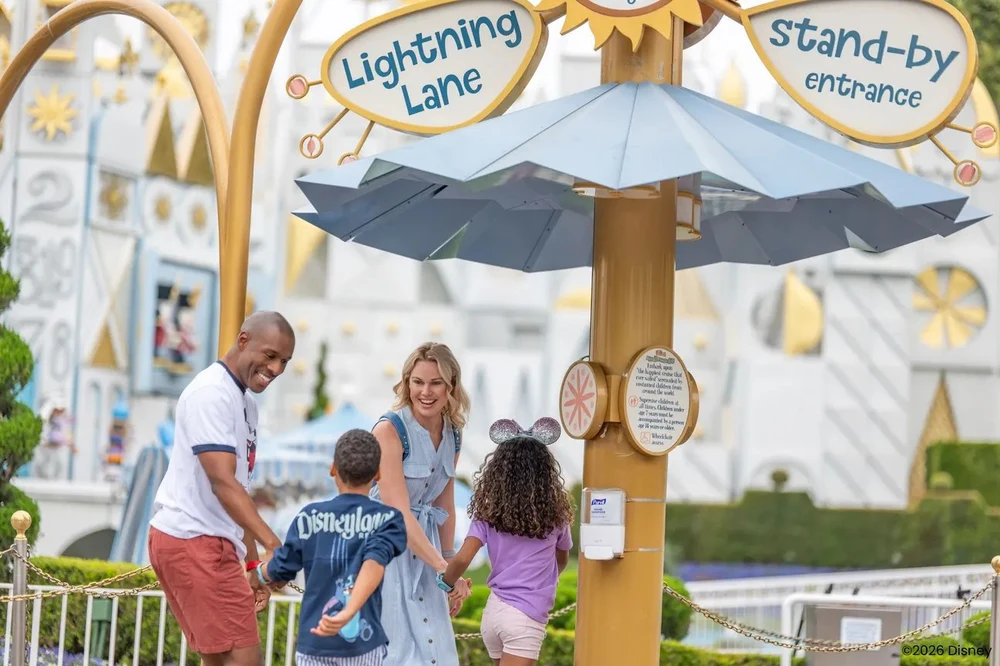
At Disneyland California, Lightning Lane is the “key” to accessing the priority queue, skipping the long, tiring lines at attractions. Currently, this system is divided into three main types: Multi Pass, Single Pass, and Premier Pass.
Of these, Multi Pass is the most popular option. As soon as you enter the park, simply open the Disneyland app to select your first ride. After using that ride or every two hours, you can continue to select the next challenge. A small note: you can only use this priority queue once per day for each ride.
Is Investing in the Lightning Lane Multi Pass Worth It?
If you visit the park on weekends or during peak seasons, the Multi Pass is definitely a worthwhile investment to optimize your time. Instead of spending hours queuing, you can flexibly schedule your time and enjoy more experiences.
Specifically, this package also includes access to Disney PhotoPass digital photo downloads and unique PhotoPass Lenses filters for you to enjoy taking stunning photos. You can purchase this package when booking your tickets or buy it additionally through the app after entering, depending on availability.
How to Purchase Lightning Lane Multi Pass on the Disney App
Universal Studios Hollywood General Admission Ticket
To save time queuing at Disneyland Resort, we often use the Lightning Lane Multi Pass to book entry in advance for some of the most popular attractions. You can book directly on the Disneyland App following these steps:
Step 1: Log in to the Disneyland app on your phone. On the main screen, tap the “+” icon to open the park’s service options.
Step 2: Select “Book Lightning Lane Entry” to start booking a Lightning Lane entry for a ride or attraction.
Step 3: In the Tip Board section, you will see a list of rides that support Lightning Lane. Choose the ride you want to experience and check the available time slots.
Step 4: Review your booking information, including the ride and time slot. After confirmation, the system will complete your Lightning Lane booking, and you just need to arrive at the ride at the time you selected.
How to Change a Lightning Lane Multi-Pass Booking
If you want to change the time or the ride after booking Lightning Lane, you can do so quickly on the Disneyland App following these steps:
Step 1: Go to the Tip Board section in the app and select the attraction where you booked Lightning Lane. Then tap Modify Plan to edit the plan.
Step 2: You can choose a new time (Select a New Time) for the same ride or choose a different attraction (Select a New Experience) if you want to switch to a different ride.
Step 3: Review your new booking information, including the ride and time slot. If everything is correct, confirm to update Lightning Lane.
Step 4: After successfully changing your ticket, go to My Day to review your new Lightning Lane code and updated time slots.
Using Lightning Lane with a Park Hopper Ticket

Good news for those with a Park Hopper ticket: you can use the Multi Pass to enjoy both Disneyland Park and Disney California Adventure in the same day. This combination offers maximum flexibility, allowing you to book rides in both parks as long as they are on the supported list. Conversely, if you only use a 1 Park Per Day ticket, you will only be able to use the service within the selected park.
Tips for Optimizing Lightning Lane:
- Book early: Book the most popular rides as soon as you scan your ticket.
- Keep track of time: Take advantage of the 2-hour rule to book new rides even if you haven’t used your old ones yet.
- Check the map: Use the built-in map on the app to choose nearby attractions, avoiding excessive travel between areas.
Klook’s Cancellation Policy and Things to Check Before Booking
Disney’s Grand Californian Hotel and Spa
Some Klook packages offer full refunds if cancelled before use, provided the voucher has not been redeemed or used. However, each package may have its own conditions, so you should carefully read the Terms & Conditions before payment.
Also, please note that tickets are only valid for the period stated on the voucher, and refunds may not apply if the ticket has been used, modified, or expired. Therefore, before booking, carefully check the validity date, date change policy, and cancellation conditions to avoid problems when changing plans.
Frequently Asked Questions About Disneyland California Tickets
1. Which parks are included in the Disneyland California ticket?
1. Disneyland Resort tickets usually allow you to visit one of two parks: Disneyland Park or Disney California Adventure Park. If you want to experience both in the same day, you can choose the Park Hopper ticket.
2. Do Disneyland California tickets need to be booked in advance?
Yes. After purchasing your ticket, you need to book in advance of your visit date to ensure you have a spot in the park. This is a mandatory step because Disneyland applies a system of limiting the number of visitors each day.
3. What is Park Hopper?
Park Hopper tickets allow you to travel between Disneyland Park and Disney California Adventure on the same day. Usually, you can start transferring parks from noon onwards.
4. Are Disneyland California tickets refundable?
It depends on the type of ticket and the platform you purchase it from. Many e-tickets allow date changes within the validity period, but refunds are often limited. You should check the specific policy before booking.
5. Do children need to buy tickets?
Yes. Disneyland California offers two ticket tiers: adult and child (ages 3-9). Children under 3 years old usually enter for free.
6. Should I buy tickets in advance at Disneyland?
We recommend buying tickets in advance, especially during peak seasons like summer or holidays. This ensures you have tickets and saves time queuing at the gate.
7. Do I need to download the Disneyland app before I go?
Yes. The Disneyland App is very useful for checking ride waiting times, viewing park maps, booking Lightning Lane, and managing tickets on the day of your visit.
Go explore Disneyland California this summer!

Some best day tours, trips, activities and transfer services, tickets in, from and to San Francisco you can refer to
- San Francisco Grand City Tour (with Optional Muir Woods and Sausalito Combo Tour)
- Go San Francisco – All Inclusive Pass
- San Francisco CityPASS
- San Francisco Mega Pass
- Go San Francisco – Explorer Pass
- San Francisco City Tour & Golden Gate Bay Cruise
- San Francisco Museum of Modern Art Ticket
- Golden Gate Bay Cruise
- San Francisco: 1-Hour Bay Cruise by Boat
- San Francisco: Golden Gate Bay Cruise
- San Francisco Zoo Admission Ticket
- San Francisco: Big Bus Hop-On Hop-Off Sightseeing Tour
- San Francisco: Half-Day Wine Country Excursion with Tastings
- SF: Alcatraz Ticket w/ 2-Day Hop-On Hop-Off Bus & Night Tour
- San Francisco: Yosemite National Park & Giant Sequoias Hike
- San Francisco: California Sunset Boat Cruise
- San Francisco: Muir Woods, Giant Redwoods, & Sausalito Tour
- GoCar Tour: Golden Gate Bridge & Lombard Loop
- San Francisco: Muir Woods Redwoods and Wine Country Tour
- From San Francisco: Muir Woods and Sausalito Half-Day Trip

Are you looking for more top things to do in San Francisco: Tours, activities, attractions and other things? Let’s check it out here. And San Francisco itinerary 3 days — What to do in San Francisco in 3 days & How to spend 3 days in San Francisco?